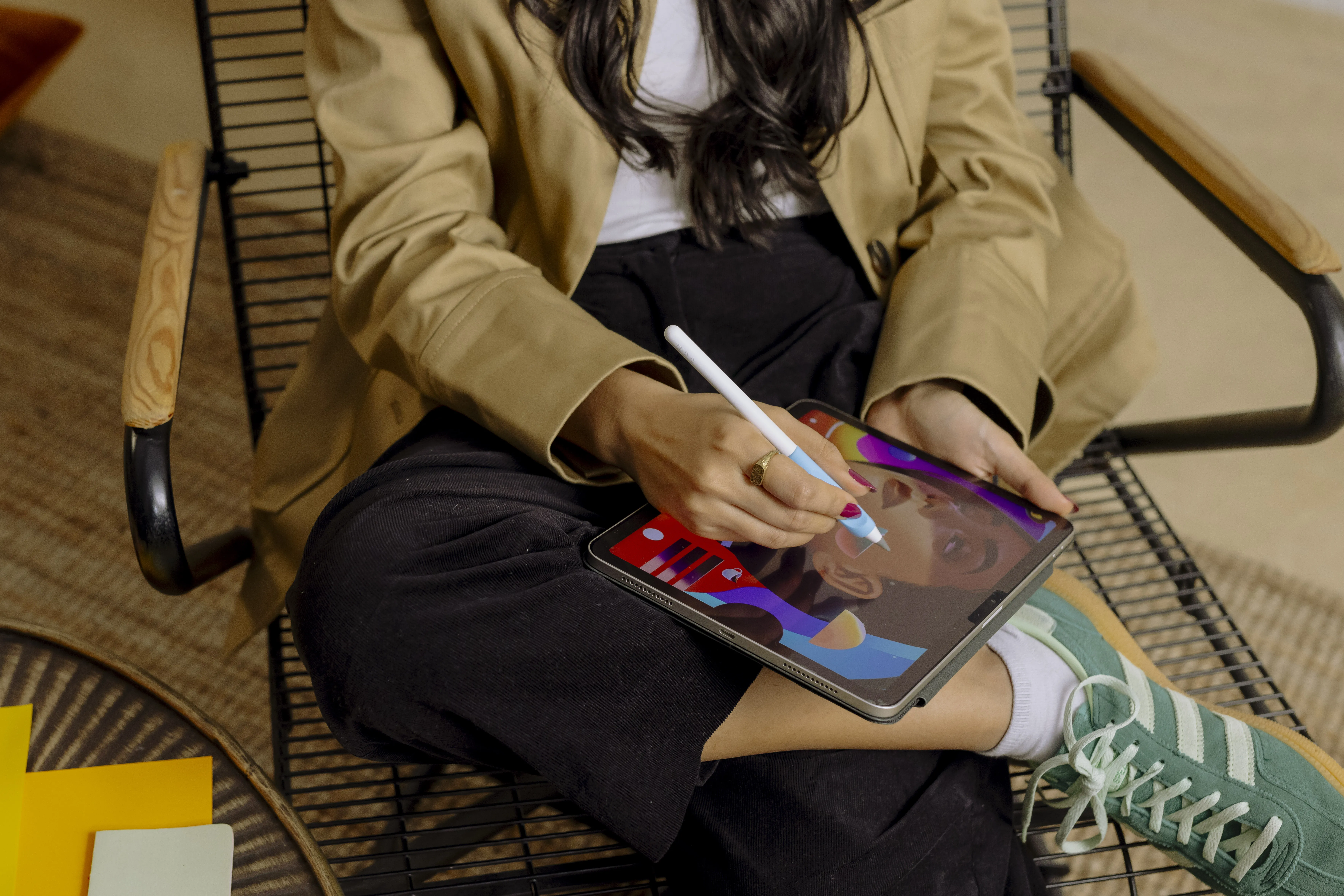



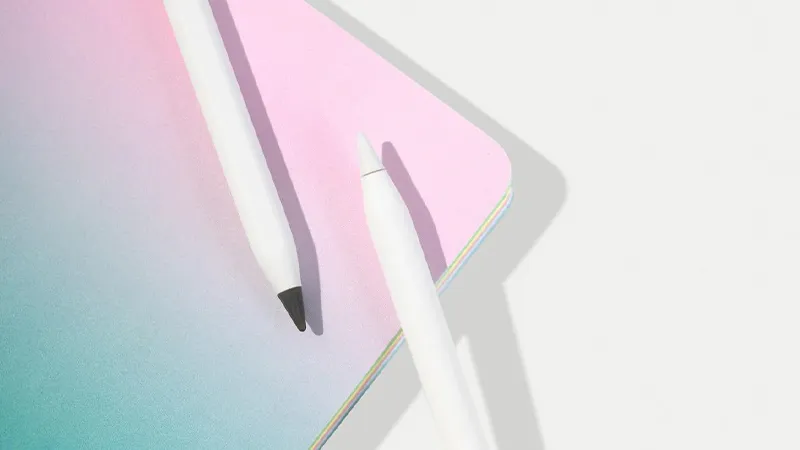
Apple Pencil is the kind of accessory that is very easy to start using. You take a few notes, mark something in a document, or make a quick sketch, and then you may not think much more about it. But with the right settings and a few small changes, the pencil can become much more useful.
It is not about buying the most expensive Apple Pencil model or learning advanced features. Often, it is enough to find the right apps, adjust a few settings, and think about how the writing surface feels. That can make a big difference both for someone who takes notes every day and for someone who uses iPad for illustration and creative work.
Start with the right Apple Pencil
The best Apple Pencil for you depends first and foremost on which iPad you use, since the models have different compatibility. After that, it comes down to what you actually plan to do. Apple Pencil USB-C is more than enough for everyday notes and simpler work, while Apple Pencil Pro offers more features for anyone who draws or works a lot with the pencil.
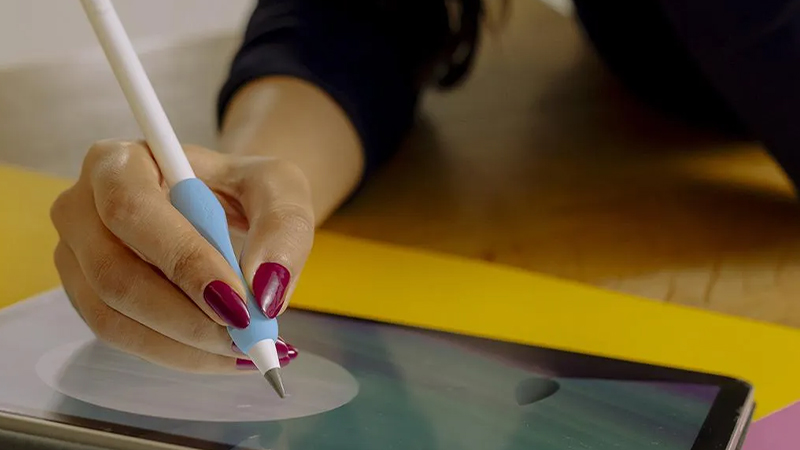
It is easy to get fixated on features, but in practice the best model is the one that fits your iPad and the way you work. Pressure sensitivity and more advanced gestures matter to an illustrator, but they are much less important if the pencil is mainly used for meeting notes and annotations.
Don’t forget the tip
The Apple Pencil tip is a wear part. The change happens gradually, so it is easy to miss when the tip starts to wear down. Lines may feel less precise, handwriting can become harder to control, and you may start correcting small movements more often than before.
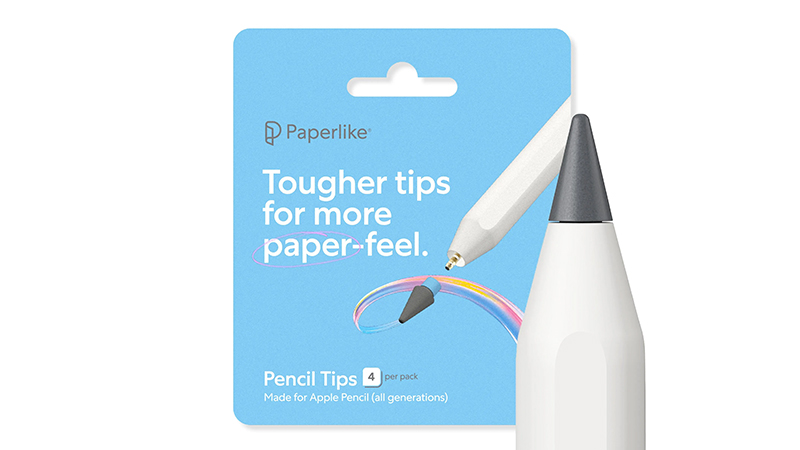
Paperlike recommends checking the tip if the pencil suddenly feels different. Paperlike’s own Pencil Tips are made from a harder material, and the company says they can last up to ten times longer than standard Apple Pencil tips. They are also designed to provide more friction when used with Paperlike screen protectors.
Adjust the settings to suit your workflow
Many apps let you change how Apple Pencil responds. In drawing apps, for example, you can adjust pressure sensitivity and stabilization, while note-taking apps often have their own settings for handwriting and palm rejection.
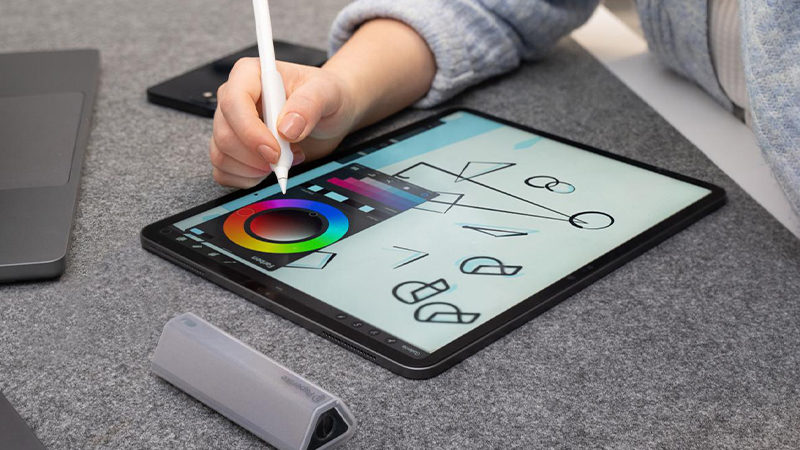
If you have an Apple Pencil with double tap or Apple Pencil Pro with squeeze, it is also worth setting up the shortcuts. Being able to switch quickly between pen and eraser may sound like a small detail, but when you use the pencil every day, it saves a surprising number of interruptions.
The writing surface matters more than you think
A standard iPad screen is very slick. That feels nice when you use your fingers, but it is not always as natural when you are trying to write or draw precisely. The pen tip glides easily across the glass, and your hand has to compensate for the movement all the time.
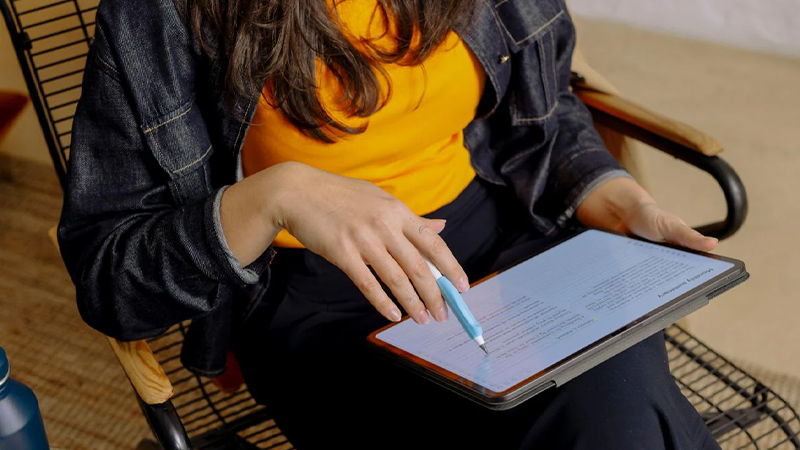
That is the whole idea behind Paperlike. The screen protector gives the surface more resistance and makes Apple Pencil feel more like a regular pen on paper. Paperlike describes the difference as mainly better control for handwriting and drawing, rather than trying to change how Apple Pencil works electronically.
Build a better workflow
For notes, iPad and Apple Pencil can replace much of the traditional notebook. You can write by hand, mark up PDF files, organize notes into folders, and search through the material later. Paperlike highlights Goodnotes and Notability, among others, as popular options for digital note-taking.
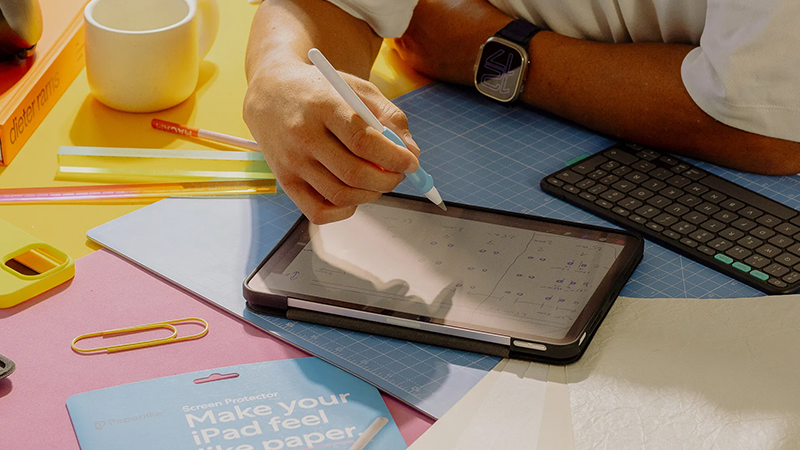
For longer work sessions, even small accessories can make a difference. A Pencil Grip gives you a wider, softer grip, and a Drawing Glove can reduce friction between your hand and the screen. These are hardly things everyone needs from day one, but if you use Apple Pencil for several hours a day, ergonomics can quickly become more important than you first think.
FAQ
How do I know which Apple Pencil fits my iPad?
The Apple Pencil models have different compatibility, so always start by checking which model your iPad supports. After that, you can choose based on features such as pressure sensitivity, magnetic charging, and advanced gestures.
How often does the Apple Pencil tip need to be replaced?
It depends on how much the pencil is used and which writing surface you use. Paperlike says its customers replace standard Apple Pencil tips on average about every six months together with Paperlike 3.
Is it easier to write on iPad with Paperlike?
Paperlike gives the screen more friction than bare glass. That can provide better control over the pencil and a feel that is closer to paper, especially for handwriting and detailed drawing.
Which apps work well with Apple Pencil?
There are plenty of options. For notes, Goodnotes, Notability, and Apple Notes are among the popular choices, while Procreate and Adobe Fresco are common options for illustration and creative work.
Do you need extra accessories for Apple Pencil?
No. Apple Pencil works well on its own. Accessories like Paperlike, Pencil Tips, and Pencil Grips are mainly about adapting feel, precision, and comfort to how much and in what way the pencil is used.