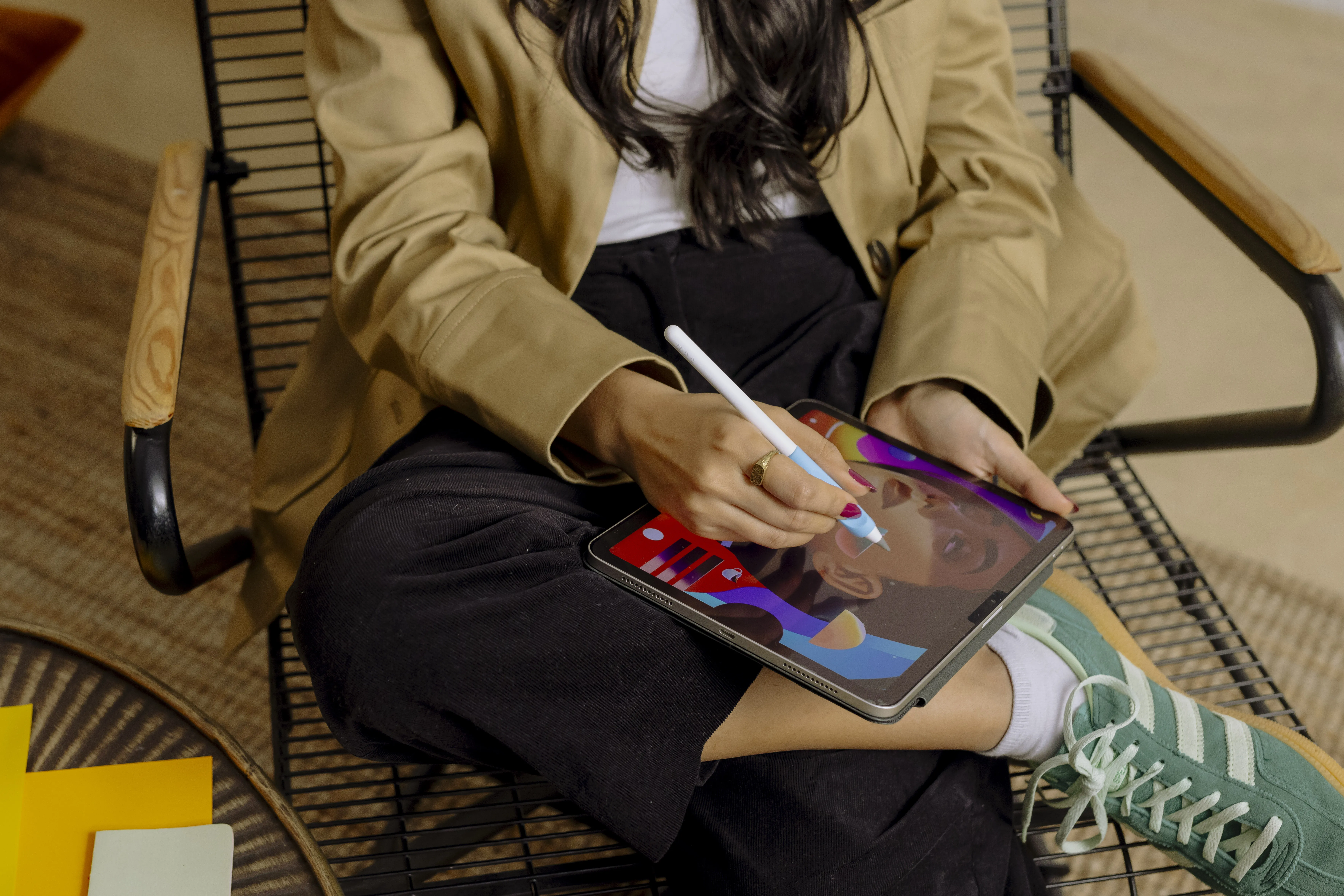



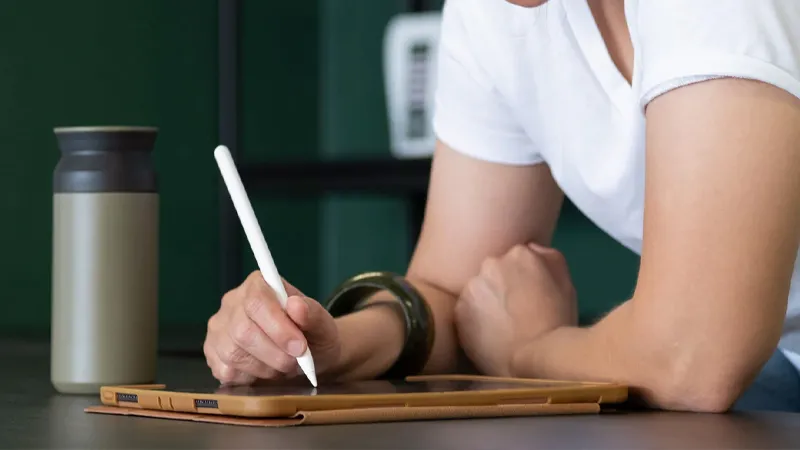
Taking notes on iPad has gone from being an option to fully replacing paper and pen for many people. With an Apple Pencil and the right app, you can write by hand, annotate PDF files, record lectures, and stay on top of everything from work projects to studies.
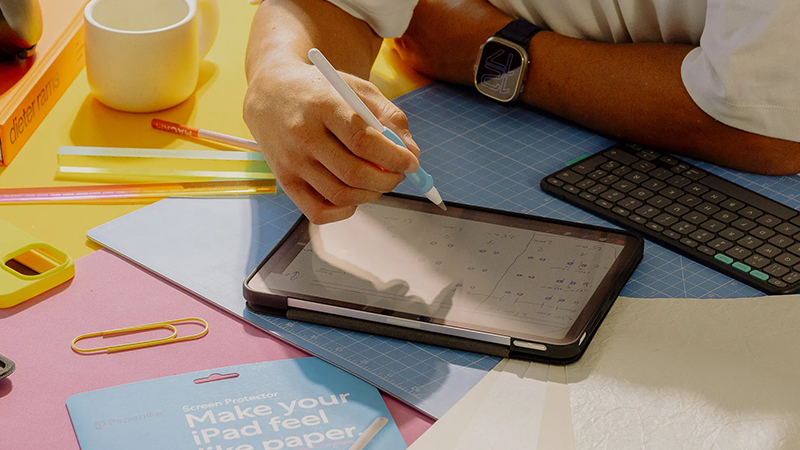
But which is really the best note-taking app for iPad in 2026? The answer depends largely on how you use your iPad. A student often has different needs than a project manager or illustrator. That’s why we’ve compared the four apps that dominate the market today: Goodnotes, Notability, OneNote, and Apple Notes.
Goodnotes - the favorite for digital notebooks
Goodnotes is probably the app most people think of when talking about handwritten notes on iPad. The whole setup feels like a digital notebook, where you create folders, subjects, and separate notebooks for different projects or courses.
The app offers excellent support for Apple Pencil, advanced PDF handling, and powerful search even in handwritten text. That makes it especially popular with students who deal with large amounts of course material. If you like the feel of traditional notebooks but want all the benefits of digital organization, Goodnotes is one of the strongest options.
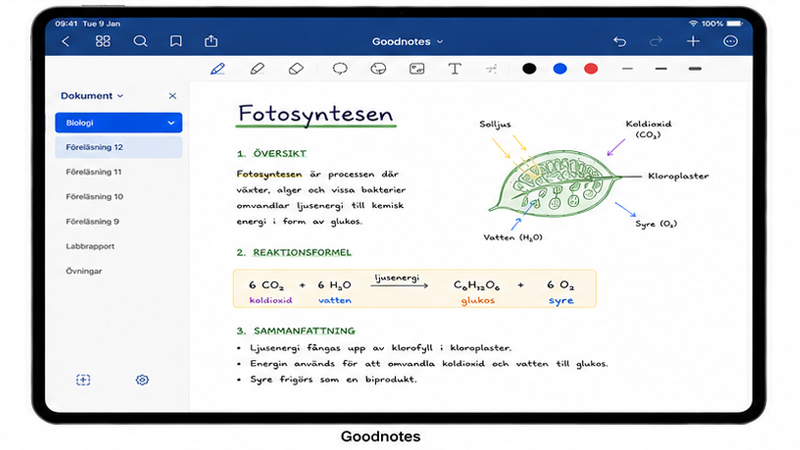
Best for: Students, teachers, and people who want to replace their physical notebooks.
Notability - perfect when audio and notes need to work together
Notability has long been the first choice for many people who attend meetings, lectures, or interviews. Its biggest strength is the ability to record audio while you take notes.
Later, when you tap a note, the recording automatically jumps to the exact moment the note was written. It’s a feature that can be invaluable during lectures or longer meetings where a lot of information needs to be captured.
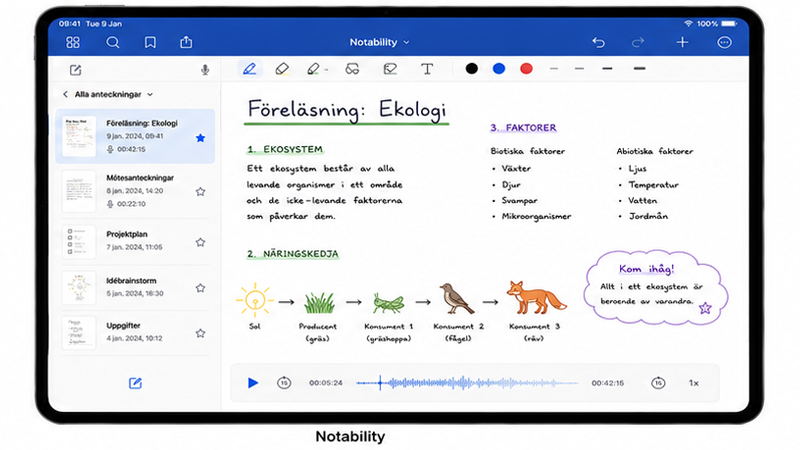
In addition to audio sync, Notability also offers solid PDF handling, smooth organization, and a clean design that’s easy to get started with. For many users, it’s still the best combination of simplicity and powerful features.
Best for: Students, journalists, consultants, and anyone who often attends meetings.
OneNote - best for Microsoft users
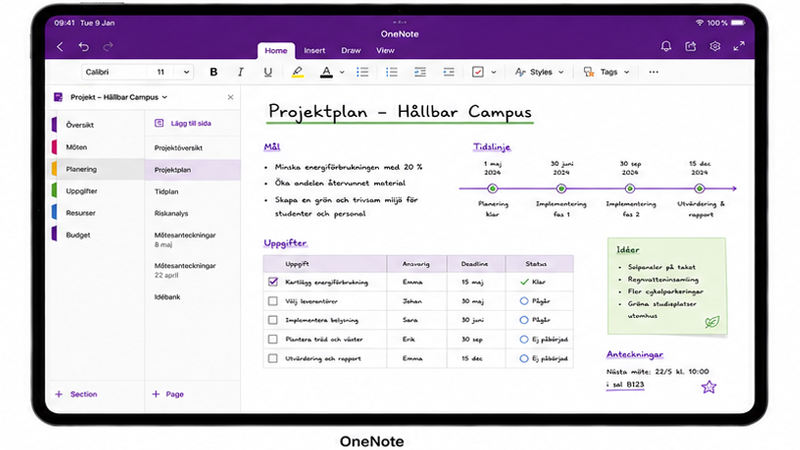
If you already work in Microsoft’s ecosystem, OneNote is a natural choice. The app is free and syncs seamlessly with computers, tablets, and phones through a Microsoft account.
Unlike Goodnotes and Notability, OneNote works more like a digital workspace, where you can place text, images, drawings, and documents almost anywhere on the page. That gives you a lot of freedom, but it can also feel less structured for some users.
For project management, collaboration, and work-related notes, however, OneNote is still one of the strongest options on the market. The ability to share notebooks with colleagues makes the app especially useful at work.
Best for: Project managers, businesses, and Microsoft 365 users.
Apple Notes - simpler than many people think
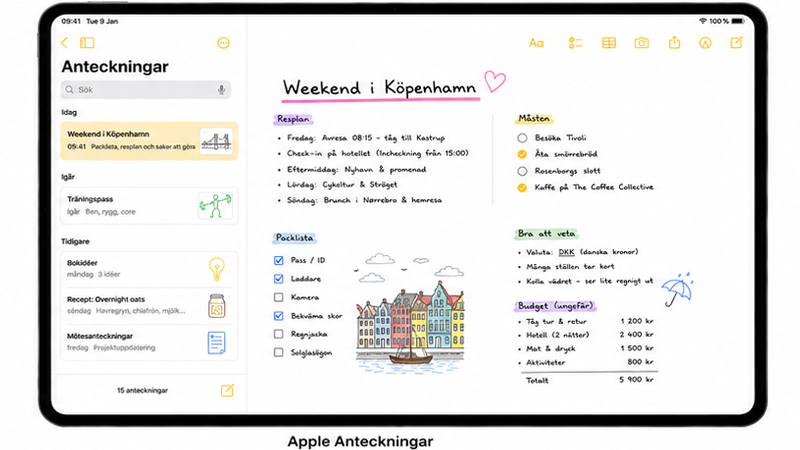
Apple Notes comes free on every iPad and has improved tremendously in recent years. What used to be a simple note-taking app has become a surprisingly capable tool for both handwriting and organization.
You can create checklists, scan documents, draw with Apple Pencil, and search handwritten text. Everything also syncs automatically through iCloud between iPhone, iPad, and Mac.
Sure, it lacks some advanced features found in Goodnotes and Notability, but for many users, Apple Notes goes further than you might first expect. Especially if you want something simple that just works right away.
Best for: Everyday notes, personal use, and Apple users who want to keep things simple.
How much does the screen feel matter?
When comparing note-taking apps, many people focus on features, but the writing feel matters just as much. Whether you use Goodnotes, Notability, or Apple Notes, all interaction happens through Apple Pencil on the glass surface of the screen.
Many people find that a matte screen protector gives better control because the tip gets more resistance. That makes it easier to write small letters, annotate PDF documents, and maintain a steady hand during longer note-taking sessions.
For anyone using an iPad as a digital notebook for several hours a day, that difference can actually be bigger than the difference between the apps themselves.
Which note-taking app is best in 2026?
There really isn’t a single winner. Goodnotes is still the best choice for many students. Notability is hard to beat if audio recording matters. OneNote is a perfect fit for working life, and Apple Notes offers the most value for anyone who wants to keep things simple.
The most important thing is to choose an app that fits your own workflow. When the app feels natural to use, it also becomes much easier to keep actually taking notes, staying organized, and keeping track of everything that happens in everyday life.
Other apps worth a look
- LiquidText
- MarginNote 4
- Nebo
- CollaNote
- Noteshelf
- Evernote
- Zoho Notebook
- Pencil Notes: Penbook
- ZoomNotes
Good luck finding the app that suits you best!
FAQ
Which is the best note-taking app for iPad?
For most users, Goodnotes is the most complete option thanks to strong handwriting support, PDF support, and organization. However, the choice depends on how you work.
Is Goodnotes better than Notability?
Goodnotes is stronger for organization and digital notebooks, while Notability is better if you want to record audio that syncs with notes.
Is Apple Notes good enough for studying?
For simpler studies, Apple Notes works very well. For larger courses and lots of PDF material, Goodnotes or Notability are usually better options.
Does OneNote work well with Apple Pencil?
Yes, OneNote has good support for Apple Pencil and handwriting, especially for users who already work in Microsoft 365.
Does a matte screen protector make a difference when taking notes?
Yes, many people find they get better precision and more control because Apple Pencil meets more resistance on the screen, which creates a more paper-like feel.