



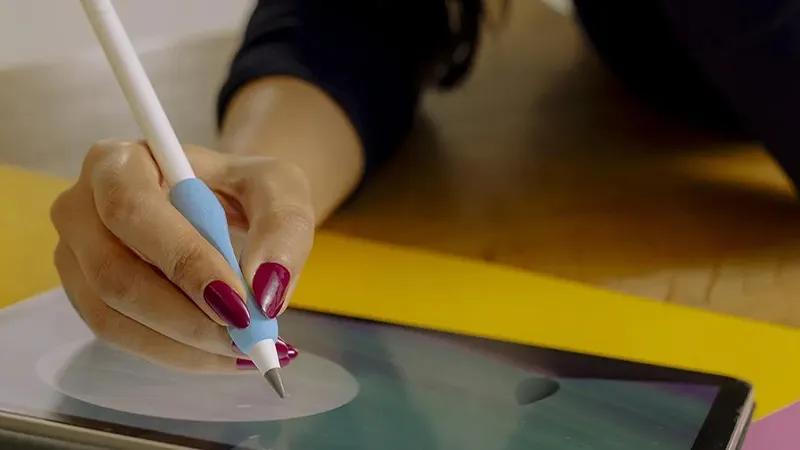
If you use your Apple Pencil regularly, it’s only a matter of time before the tip starts to wear down. For many people, it happens so gradually that they barely notice it. Lines become a little less precise, the feel against the screen changes, and suddenly writing or drawing no longer feels as natural as before.
The good news is that a worn Apple Pencil tip is both easy and inexpensive to replace. It takes less than a minute and can make a bigger difference than many people expect. Here, we’ll go through how often you really need to replace the tip, which signs to look out for, and how you can make it last much longer.
How often should you replace an Apple Pencil tip?
The short answer is that it depends on how you use it. Someone who only writes a few notes a week may use the same tip for over a year without any problems. At the same time, a student who takes notes for several hours a day or an illustrator who draws daily may need to replace it much more often.
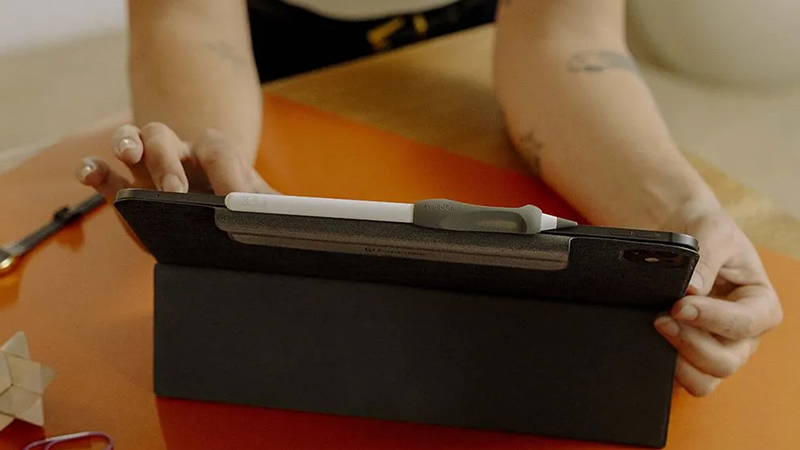
As a rule of thumb, the following intervals usually work well:
- Light use: 12-24 months
- Regular note-taking: 6-12 months
- Daily use for study or work: 3-6 months
- Intensive drawing and design work: 1-3 months
What matters most, though, is not how long the tip has been on the pencil, but how it actually feels when you use it. Wear varies a lot depending on both usage patterns and the type of screen surface you write on.
Three clear signs the tip is wearing out
There are a few classic symptoms that tend to show up when it’s time to replace an Apple Pencil tip.
The first is reduced precision. If your strokes no longer land exactly where you expect them to, or if your handwriting feels less controlled, the tip may be the cause. Many people first think it’s the app or the iPad acting up, when it’s really just a mechanically worn tip.
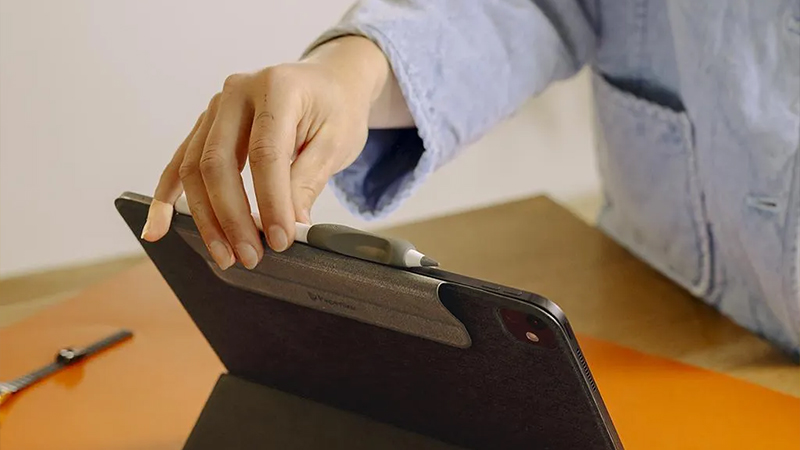
Another common sign is that the pencil starts to sound different against the screen. If you hear more scraping or harder tapping sounds than before, the tip may have lost its original shape.
The third sign is uneven contact with the screen. In some cases, pressure, tilt, or movement may register less consistently than before. This often becomes noticeable first when drawing details or writing smaller text.
How to replace an Apple Pencil tip in less than a minute
The great thing about Apple Pencil is that you don’t need any tools. Start by holding the pencil in one hand and gripping the tip with the other. Then gently turn it counterclockwise until the tip comes loose. Once the old tip is removed, take a new one and screw it on clockwise until it sits firmly in place.
You don’t need to tighten it hard. As long as the tip is securely attached, it will work as it should.
Step by step:
- Hold the Apple Pencil steady. Unscrew the old tip counterclockwise
- Place the new tip on the threads
- Screw it on clockwise
- Test the pencil in Notes or your favorite app
- The whole process usually takes less than 30 seconds
Why the screen surface affects how fast the tip wears down
One thing many people overlook is that the screen surface plays a major role in how long a pencil tip lasts.
On a completely smooth glass surface, the tip glides very easily, while some screen protectors create more friction. More friction often gives a more natural writing feel, but it can also increase wear if the material isn’t optimized for digital pencils.
This is where modern solutions like Paperlike 3 differ from many older matte screen protectors. Thanks to the updated Nanodots technology, you get that paper-like feel without causing unnecessary wear on the pencil tip.
For anyone who uses Apple Pencil daily, the right screen protector can therefore be an important part of extending the life of both the tip and the writing experience.
How to make the tip last longer
There are a few simple habits that can make a big difference over time. Avoid pressing harder than necessary when writing or drawing. Apple Pencil tracks movement very accurately even with light pressure. Many people press harder than the technology actually requires.
It’s also smart to regularly wipe both the tip and the screen. Small dust particles can act like sandpaper between the pencil and the screen and contribute to unnecessary wear.
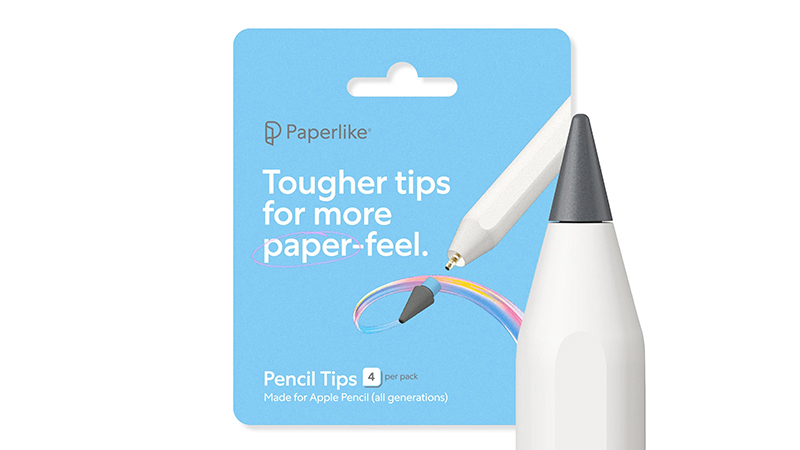
If you use your iPad for several hours every day, it may also be wise to keep extra tips at home. That way, you won’t have to keep using a tip that has already started to reduce precision.
A small detail that makes a big difference
The Apple Pencil tip is one of the smallest parts of the entire iPad, but it affects almost the whole user experience.
If notes feel less precise, drawing doesn’t flow as naturally, or the pencil has started to sound different against the screen, it’s often worth checking the tip first. A quick replacement can make the pencil feel almost like new again.
If you also combine regular replacements with a screen protector designed for Apple Pencil, you get both better precision and longer-lasting performance over time.
FAQ
How often should you replace an Apple Pencil tip?
Most users need to replace it somewhere between every three months and every two years, depending on how much the pencil is used.
How do I know if my Apple Pencil tip is worn?
Common signs are reduced precision, scraping sounds against the screen, and the pencil feeling less responsive.
Can a worn tip scratch my iPad?
Normally not, but a heavily damaged or deformed tip should be replaced to avoid unnecessary wear.
Do I need any tools to replace the tip?
No. The Apple Pencil tip screws off and on by hand.
Does a screen protector affect how quickly the tip wears?
Yes. The friction between the tip and the screen affects wear. Modern screen protectors like Paperlike 3 are designed to provide a natural writing feel while keeping wear down.