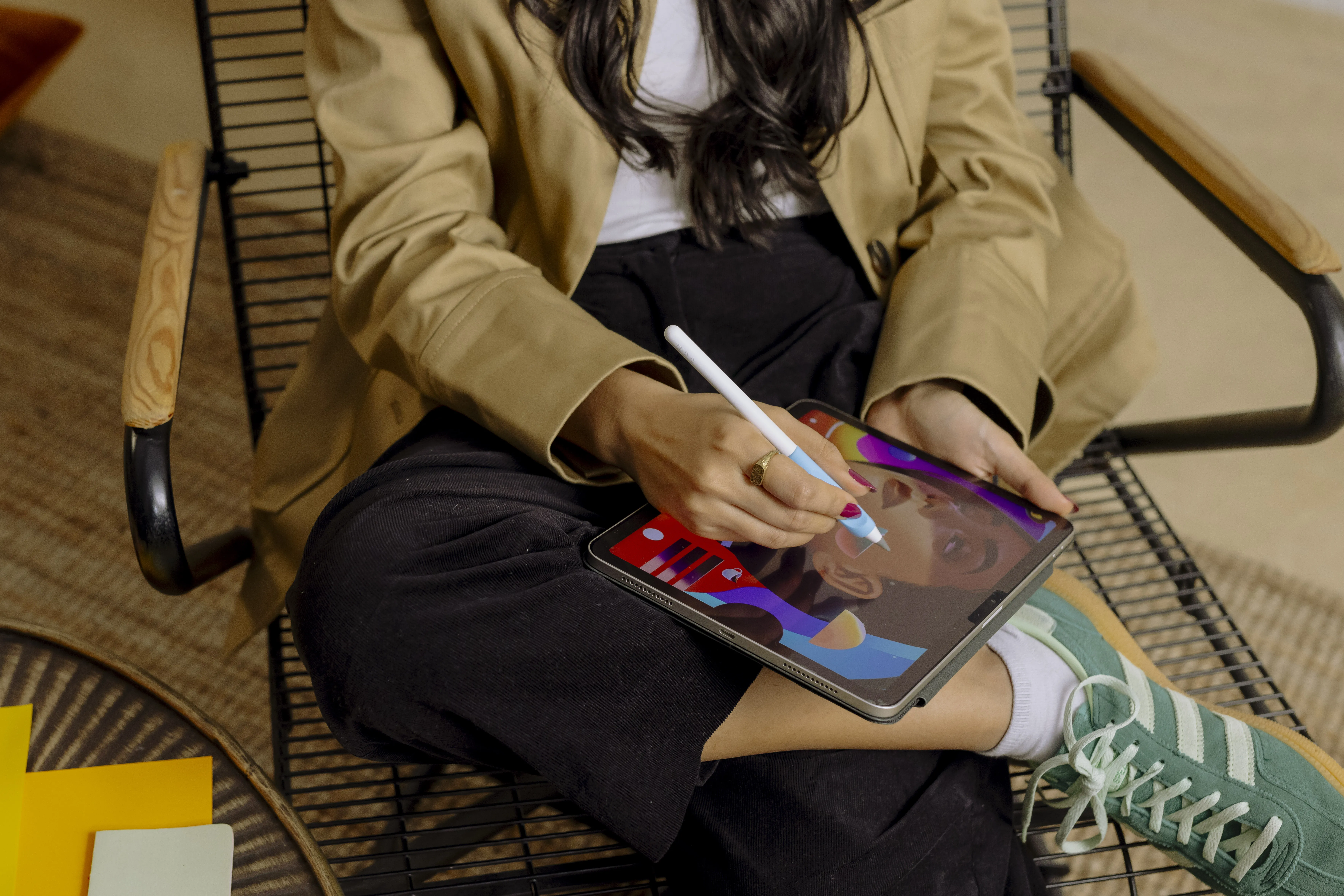



Apple has introduced a new generation of iPad Air with the M4 chip. On paper, much of it is about higher performance and better AI capabilities, but for many users the most interesting news may be that Apple is staying on the same track when it comes to design and accessory compatibility.
M4 brings more power to everyday apps
The new iPad Air is powered by Apple’s M4 chip, which delivers up to 30 percent higher performance than the previous generation with M3. At the same time, the Neural Engine has been upgraded to better handle AI features in apps for note-taking, photo editing, productivity, and creative work.
With iPadOS 26, the iPad Air also feels more like a traditional computer. The new windowing system and the updated menu bar make multitasking easier, especially if you use your iPad as a work or study tool.
Do you need to upgrade?
Despite the technical improvements, the new model is very similar to its predecessor in terms of design and user experience. If you already use a relatively new iPad Air, you may not need to upgrade right away.
For anyone coming from an older model or planning to buy their first iPad Air, the M4 version is an attractive option that offers better future-proofing and more power for upcoming apps and features.
Good news for Paperlike users
Because Apple is keeping the same design, you don’t need to replace your accessories when you upgrade.
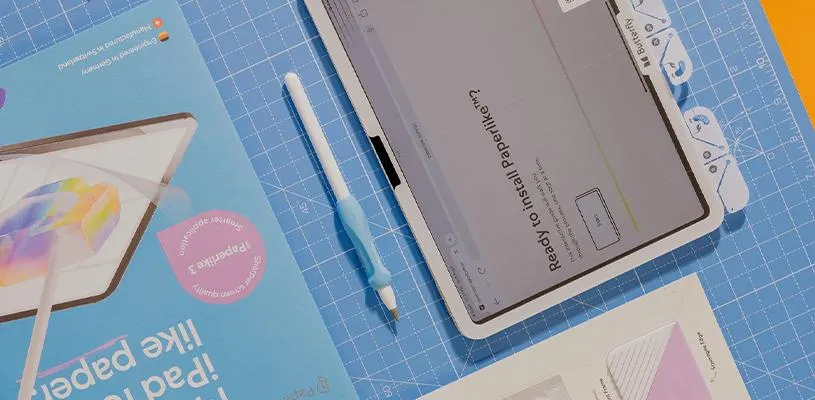
Paperlike 3 Screen Protector is fully compatible with the new iPad Air and delivers the same paper-like feel for note-taking, sketching, and creative work as before. Paperlike Folio Case and Paperlike Bumper Case also fit without any changes.
That means you can unbox your new iPad Air and keep working, writing, and drawing as usual — without having to invest in new accessories.
In short
The new iPad Air with M4 is mainly an upgrade for anyone who wants more performance, better AI features, and a more computer-like experience with iPadOS 26. For existing Paperlike users, the best news may be that all your favorite accessories continue to work just as before.
FAQ
Will my current Paperlike screen protector fit the iPad Air with M4?
Yes. Paperlike 3 Screen Protector is fully compatible with the new iPad Air with M4, as long as you use the correct model size.
Do I need to buy a new Paperlike case?
No. Apple has kept the same design and dimensions, which means both Paperlike Folio Case and Paperlike Bumper Case continue to fit the new iPad Air.
How much faster is the iPad Air with M4?
Apple says the M4 delivers up to 30 percent higher performance than M3. The difference is most noticeable in more demanding apps for creative work, multitasking, and AI-based features.
Is it worth upgrading from an iPad Air with M3?
For most users, the difference in everyday use is relatively small. If you already have an iPad Air with M3, there is rarely an urgent need to upgrade, but M4 offers better future-proofing and higher performance for upcoming apps and features.
What does the improved AI performance in M4 mean?
M4 has a faster Neural Engine optimized for AI tasks. That can mean faster processing in apps for note-taking, photo editing, productivity, and other features that use machine learning.
Does Apple Pencil work with Paperlike on the new iPad Air?
Yes. You get the same paper-like writing and drawing experience as on previous generations, making Paperlike a popular accessory for note-taking, sketching, and creative work with Apple Pencil.