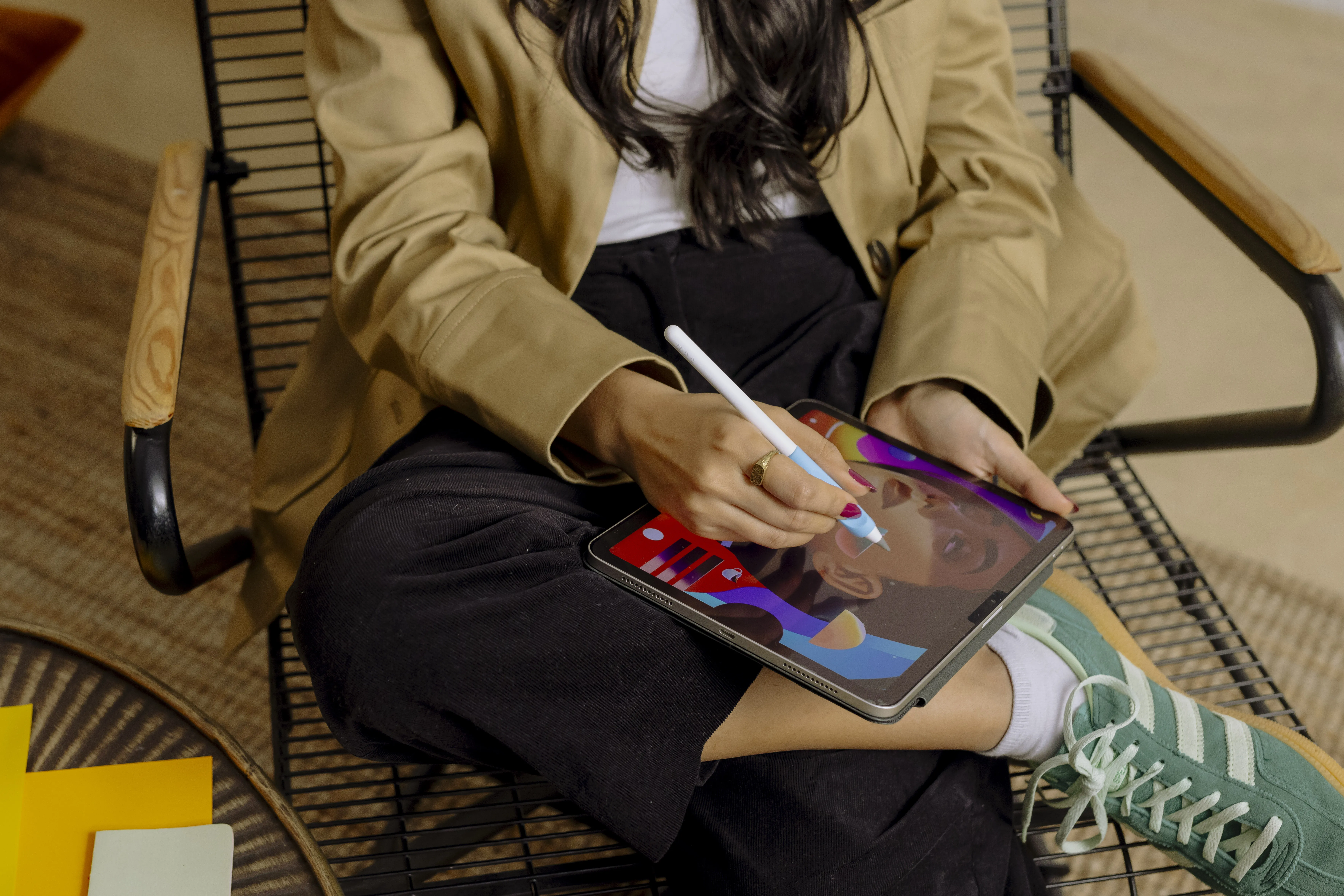



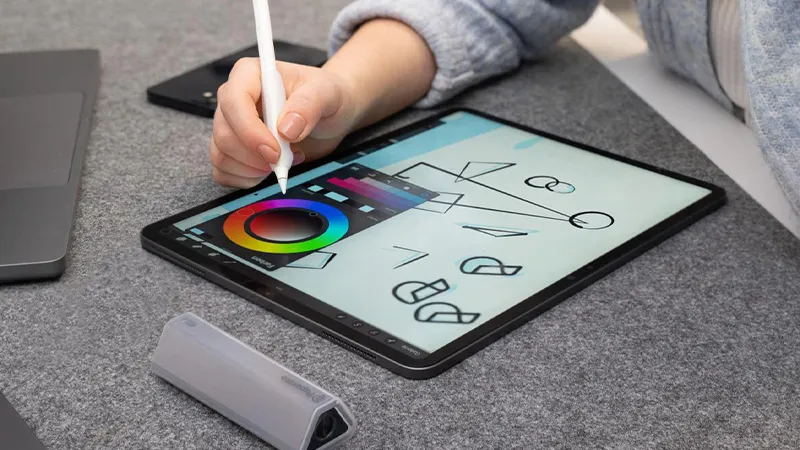
More and more people are using their iPad for note-taking, studying, sketching, and creative work. At the same time, many miss the feeling of actually writing on paper. That is exactly why paper-feel screen protectors have become so popular in recent years.
But not all matte screen protectors are the same. Some offer a pleasant writing feel, while others can make the display look grainy, affect colors, or wear down the Apple Pencil tip more than necessary. Here, we look at what really sets the different options apart and what you should consider before choosing a screen protector for your iPad.
What is a paper-feel screen protector?
A paper-feel screen protector is a matte screen protector that creates more friction between the Apple Pencil and the display. The result is writing that feels more natural and controlled than writing directly on glass.
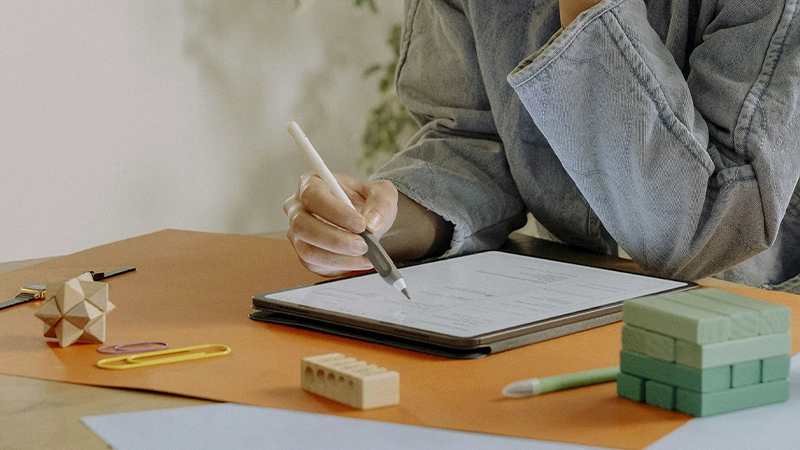
For many people, it is not just about the feel. The increased friction makes it easier to write by hand, annotate documents, or draw detailed illustrations. At the same time, most models also work as anti-glare protection, making the screen more comfortable to use in bright environments.
Why do matte screen protectors differ?
It is easy to assume that all matte screen protectors work the same way, but the differences are actually quite significant. Material, surface texture, and thickness all affect both the feel and how the screen is experienced in everyday use.
Many lower-cost options use a coarse matte surface to create friction. This often gives a clear paper-like feel, but it can also make the image look grainier and affect screen sharpness. Premium options, on the other hand, focus on finding a balance between writing feel, image quality, and long-term durability.
What is Nanodots technology?
One of the biggest differences between Paperlike and many competitors is the use of Nanodots technology. Instead of relying only on a coarse surface texture, the technology uses microscopic dots that create more controlled resistance when using the Apple Pencil.
In practice, that means you get a clear writing feel without having to compromise as much on image quality. At the same time, it reduces the risk of unnecessary wear on the Apple Pencil tip, which can be important if you use your iPad for several hours every day.
Apple Pencil, precision, and wear
For students, illustrators, and creative users, precision is often more important than the feel itself. A good Apple Pencil screen protector should provide control without creating unnecessary resistance or affecting the pen's responsiveness.
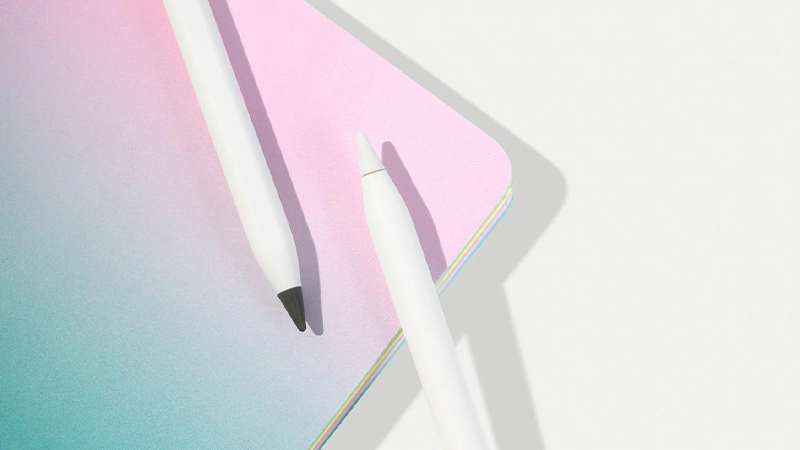
This is where thickness and material choice make a big difference. A screen protector that is too thick can affect the sense of precision, while a surface that is too coarse can increase wear on the pen tip. Modern solutions like Paperlike 3 are designed to deliver a natural writing experience while maintaining precision.
Which screen protector is best for you?
The best option depends largely on how you use your iPad.
Students and meeting users usually appreciate the extra control when taking notes. Illustrators and designers often prioritize precision and a consistent feel across the entire screen. If you mainly use the Apple Pencil for signatures or quick notes, simpler matte options can work well too, but for everyday use the differences quickly become noticeable.
Are there any drawbacks?
Yes, even the best matte screen protectors involve some trade-offs. The matte surface can affect contrast and color reproduction slightly compared with using the screen without protection.
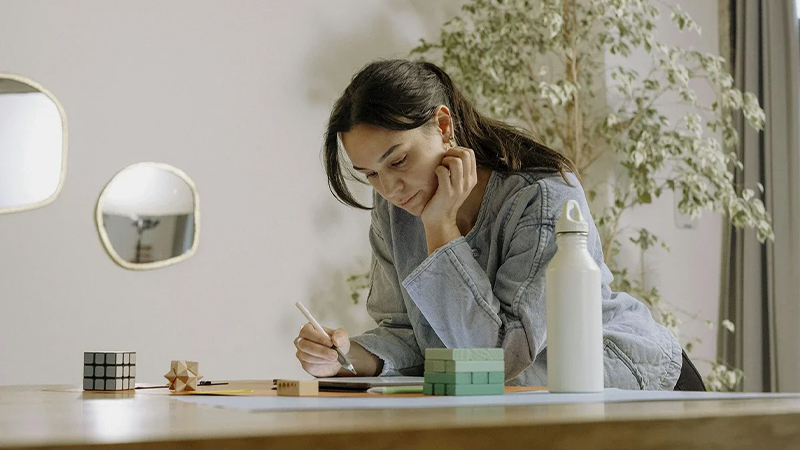
However, the difference has become much smaller in recent years. Modern products focus on minimizing the impact on screen image quality while preserving the desired paper-like feel. For most people who use the Apple Pencil regularly, the benefits often outweigh the drawbacks.
Paperlike 3 vs Paperlike 2.1
Paperlike 3 builds on the experience of earlier generations and offers a more refined writing experience. The goal has been to preserve the natural feel while improving image quality, durability, and precision.
For anyone already using older Paperlike versions, the differences may not seem dramatic at first glance, but in daily use they become noticeable through a smoother writing feel, better control, and less impact on the screen's appearance. In addition, Paperlike 3 is much easier to apply thanks to a new Butterfly™ technique and instructions directly on the screen under the screen protector.
FAQ
Is a matte screen protector good for iPad?
Yes. A matte screen protector reduces reflections and gives you better control when using the Apple Pencil. Many people find that note-taking and sketching become both easier and more natural.
Does image quality get worse?
All matte screen protectors affect the image to some extent. However, the difference varies depending on material and technology. Premium options generally have less impact than simpler models.
Does a paper-like feel wear down the Apple Pencil tip?
Some wear always occurs when friction increases. However, modern screen protectors are designed to minimize wear while still providing a natural writing feel.
Is Paperlike only for illustrators?
No. Many people use Paperlike mainly for notes, studies, document review, and meetings. The benefits become apparent as soon as you use the Apple Pencil regularly.
Which iPad works with Paperlike?
Paperlike is available for most modern iPad models, including iPad Air, iPad Pro, and iPad mini. The most important thing is to choose the right model for your device.