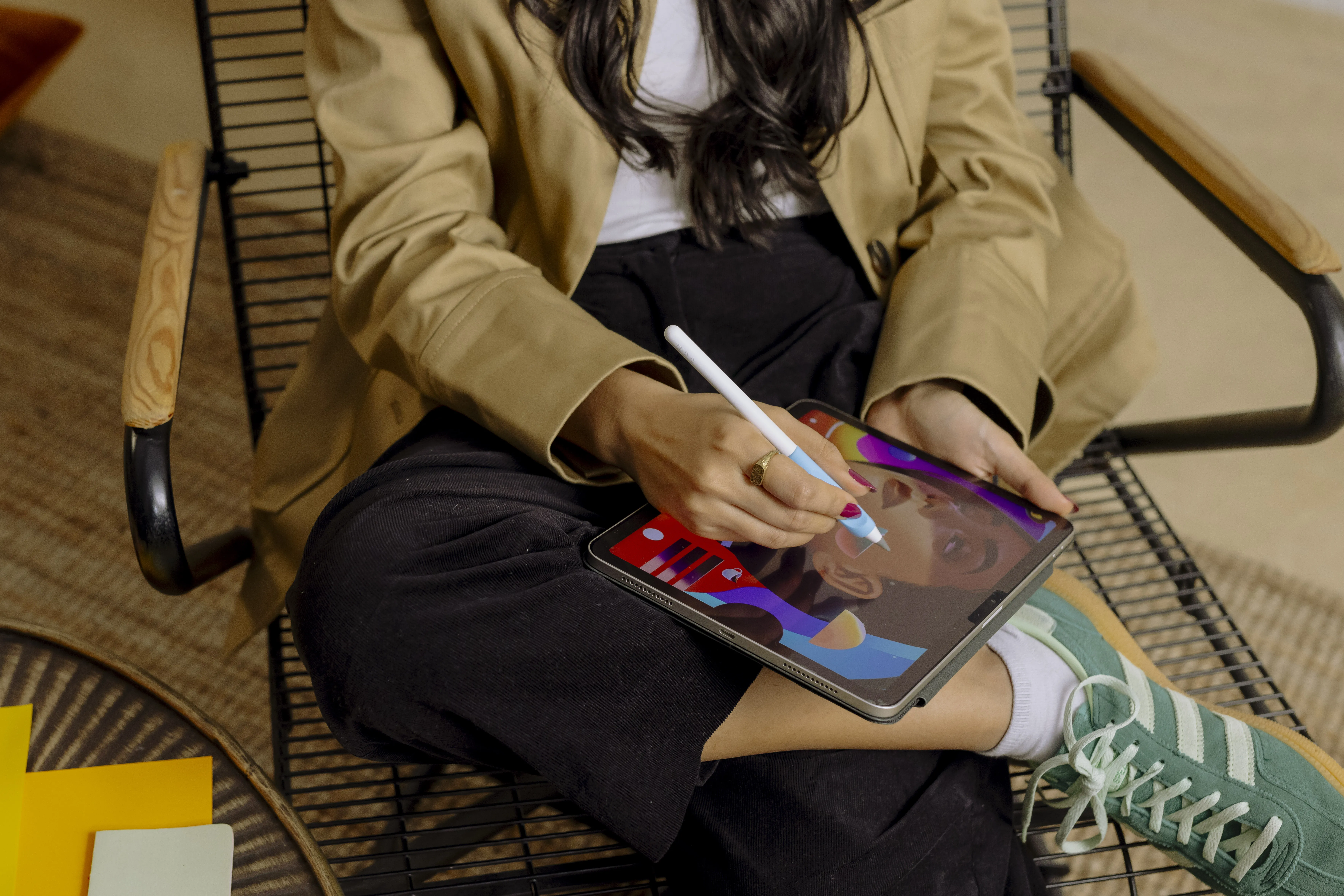



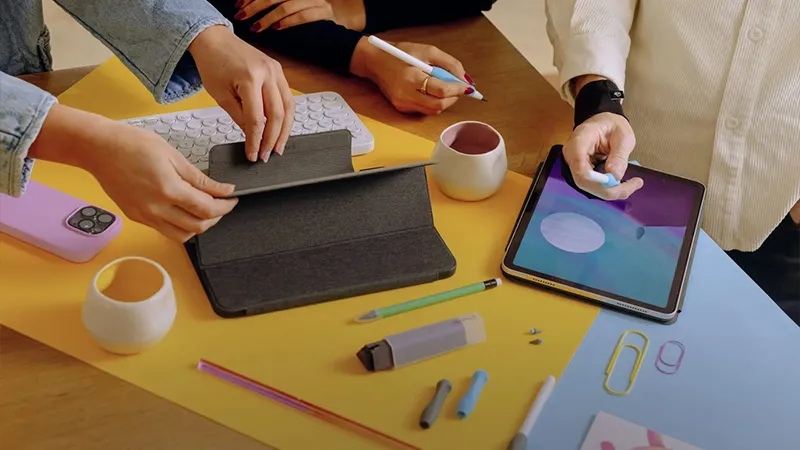
An iPad and Apple Pencil are a great combination if you take notes, draw, or work creatively. But just like a regular notebook, it can feel good to clean things up and check your tools from time to time. With a few simple routines and the right accessories from Paperlike, you can maintain a comfortable writing feel and a workspace that’s ready when inspiration strikes.
It’s easy to forget how much an iPad is actually used during an ordinary day. We type on the screen with our fingers, take notes with Apple Pencil, move between documents, and carry the tablet from place to place. After a while, fingerprints, dust, and grease build up on the screen surface. It doesn’t have to be very dirty for the writing feel to change, especially if you use a matte screen protector like Paperlike 3. Fortunately, keeping your gear in good condition doesn’t have to be complicated.
A clean screen makes more difference than you think
Anyone who uses Apple Pencil regularly knows how important it is that the pen glides across the screen with just the right amount of resistance. Paperlike 3 has a special surface texture with Nanodots technology that creates a comfortable resistance and a feel similar to writing on paper. But when grease and dirt build up on the surface, that feel can change.
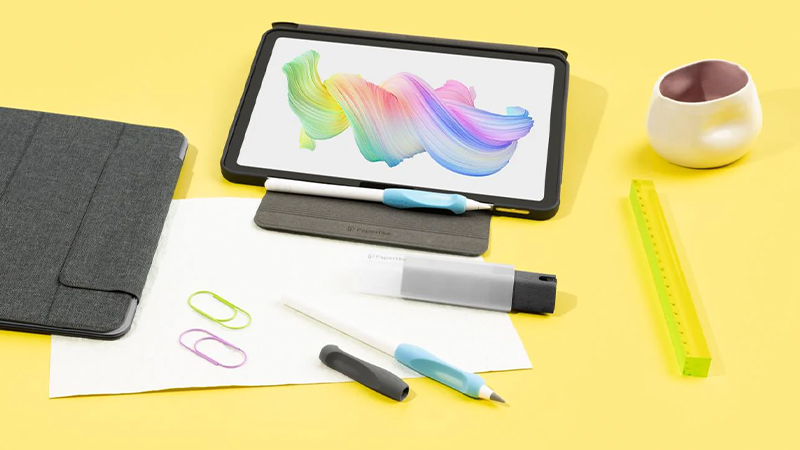
That’s why it’s a good idea to clean the screen regularly. Paperlike recommends a soft microfiber cloth, preferably lightly dampened with water, or their own Cleaning Kit. Avoid spraying regular cleaning fluids directly onto your iPad. Instead, dampen the cloth and wipe the screen gently. Be careful around the edges of the screen protector so that liquid doesn’t seep in under the film.
A small cleaning kit you can take anywhere
If you use your iPad often, it’s practical to keep cleaning close at hand. Paperlike Cleaning Kit V2 is a compact solution with a small spray bottle, a microfiber surface, and a protective case that keeps the parts together.
The cleaning solution is alcohol-free and designed to remove fingerprints, grease, and everyday dirt from screens. The kit also includes five refill tablets that are mixed with water when the bottle needs topping up. According to Paperlike, the contents are enough for around 500 cleaning sessions, depending on how much solution you use.
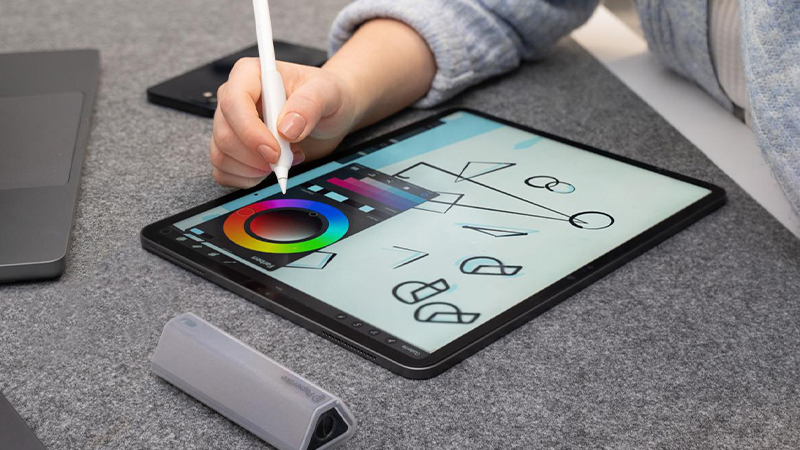
That makes the cleaning kit a handy accessory to keep in your bag with your iPad. A few quick wipes with the microfiber surface before you start taking notes or drawing can make your work session much more pleasant.
Don’t forget the tip of your Apple Pencil
The screen isn’t the only thing that affects how writing feels. The tip of your Apple Pencil also wears down, especially if you use the pen a lot for notes and illustrations. Over time, the shape and feel of the tip can change.
So check the tip from time to time. If it looks uneven or damaged, or if the writing feel has changed noticeably, it may be time to replace it. Don’t keep using a damaged tip that could leave marks on the screen protector.
Paperlike also offers its own Pencil Tips, developed to provide more noticeable resistance against the screen. They work especially well with Paperlike’s screen protector for anyone who wants a more defined pen feel when writing or drawing.
Protect your iPad even when you’re not using it
An iPad often comes along in a bag, to school, work, or on the road. In that case, it’s worth thinking about how it’s stored. Small particles like sand and grit can cause scratches if they get between the screen and other items.
A case helps protect the device during transport, while also reducing the risk of the screen protector’s edges catching on something. Make sure the inside of the case stays clean, and avoid placing loose keys or other hard objects directly against the screen.
If you have Paperlike 3 installed, you should also leave the screen protector in place. It’s made for one-time installation and should not be removed and reattached for cleaning. Once the surface has become noticeably worn, you can instead use the extra screen protector included in the package.
Small routines for a better writing experience
You don’t really need much to keep your iPad ready for the next project. A clean screen, a tip in good condition, and a protective case go a long way. And by making cleaning a simple habit, you won’t have to wait until the screen is covered in fingerprints.
With Paperlike’s screen protectors, cleaning kits, and pen tips, there are several ways to customize and care for your digital workspace. Whether you’re writing lecture notes, sketching your next idea, or using your iPad at work, it’s much more enjoyable when everything works as it should.
FAQ
How do I clean a Paperlike screen protector?
Use a soft microfiber cloth that’s lightly dampened with water or a cleaning solution recommended by Paperlike. Wipe the surface gently and avoid getting liquid under the edges of the screen protector. Don’t spray regular cleaning fluid directly onto your iPad.
How often do I need to clean my iPad?
It depends on how much you use it and how quickly fingerprints and dirt build up on the screen. If you write or draw every day, it can be a good idea to wipe the screen regularly. A quick clean before longer work sessions often goes a long way.
When should I replace the tip on my Apple Pencil?
There’s no fixed interval that works for everyone. Wear depends on how much you use the pen and what surface you write on. Check the tip regularly and replace it if it has become uneven, damaged, or if the writing feel has noticeably worsened.
Can I remove my Paperlike and put it back on?
No, Paperlike 3 is intended for one-time installation. If you remove the screen protector, you should not try to reinstall the same film, as the adhesive may be affected. When the screen protector needs replacing, you can use the second film included in the package.
What’s included in Paperlike Cleaning Kit V2?
The cleaning kit includes a compact spray bottle with a microfiber surface, a protective case, and five refill tablets. The tablets dissolve in water to top up the cleaning solution. According to Paperlike, the kit can last for around 500 cleaning sessions over its lifetime.