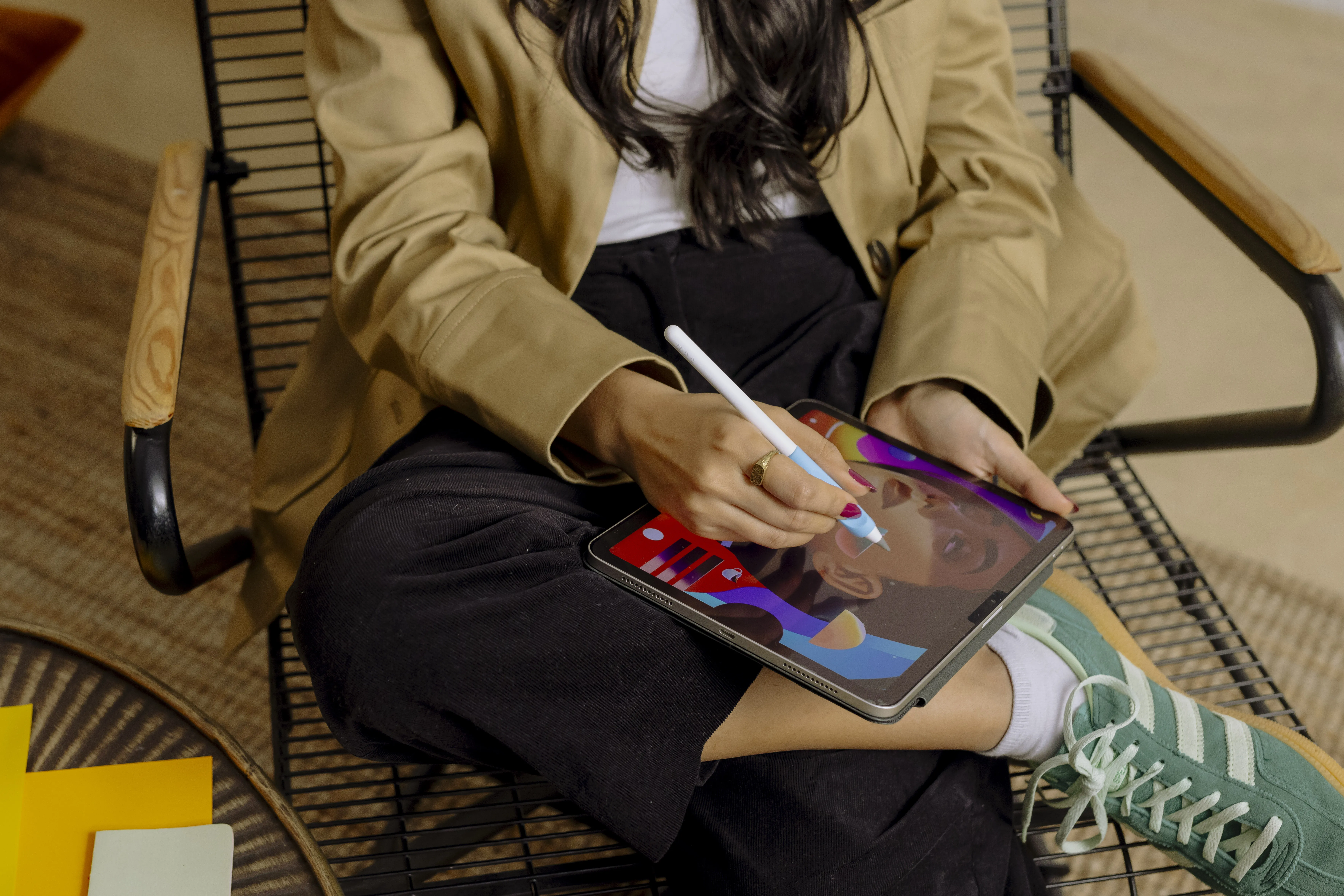




Apple Pencil is often bought with a clear idea in mind. Maybe you want to take notes at university, draw in Procreate, or simply write directly on your iPad. But once the pencil is beside the tablet, there are many more uses than that.
The combination of iPad and Apple Pencil can replace notebooks, printed documents, sketchbooks, and parts of a regular computer. Handwritten notes can also be organised, backed up, and, in many apps, made searchable. Here are ten ways to get much more use out of the pencil you already have.
1. Take handwritten notes
The most obvious use is still one of the best. With apps like Apple Notes, Goodnotes, or Notability, you can write just like in a regular notebook, but move text, add images, and organise everything digitally.
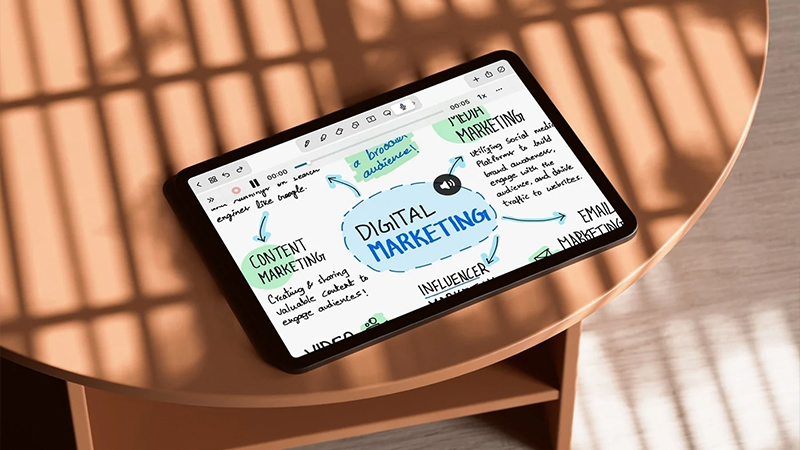
For students, this also means several courses can be kept on the same iPad instead of in a backpack full of notebooks. It makes it easier to stay organised, and you always have the material close at hand.
2. Annotate PDF files
Reports, contracts, instructions, and course materials no longer need to be printed just because you want to mark something. Open the document on your iPad and use Apple Pencil for highlights, underlines, or your own notes directly on the page.
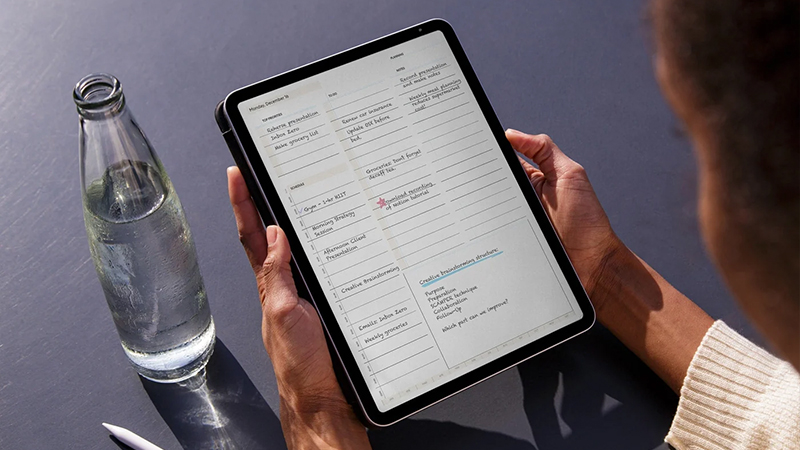
It works just as well at work as it does in school, and it makes it easier to keep all changes with the original document.
3. Sign documents
If you need to sign a document, Apple Pencil can make the process much smoother. Instead of printing, signing, photographing, or scanning, you can sign directly on the screen and send the document on digitally.
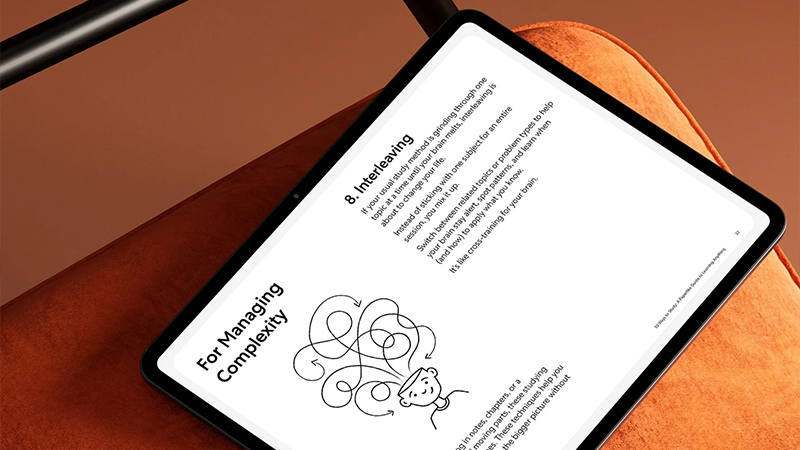
If you often handle documents on the go, it is a small feature that quickly becomes very useful.
4. Draw and illustrate
Apple Pencil is, of course, also a real creative tool. Apps like Procreate and Adobe Fresco offer brushes, layers, colour tools, and other features that are hard to replicate with traditional paper.
Pressure sensitivity and tilt can also affect brush strokes on compatible Apple Pencil models, while Apple Pencil Pro has additional features for more advanced creative work.
5. Sketch ideas and projects
You do not need to be an illustrator to make good use of a digital sketching surface. Draw out a room before a renovation, make a quick diagram during a meeting, or sketch the layout for a presentation.
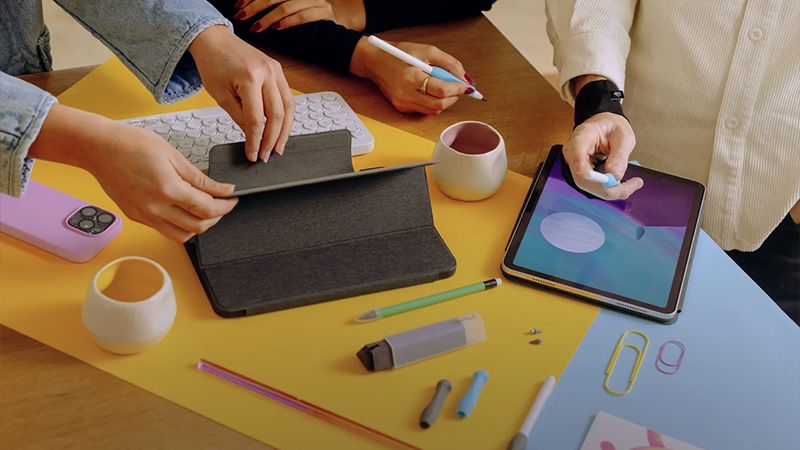
The big advantage is that a bad idea is only an eraser away. You never have to start over on a new sheet of paper.
6. Create a digital calendar
Digital planning has become an entire use case for iPad. You can use ready-made calendar and planning templates and write by hand just like in a physical planner, while still keeping the ability to move, copy, and organise the content.
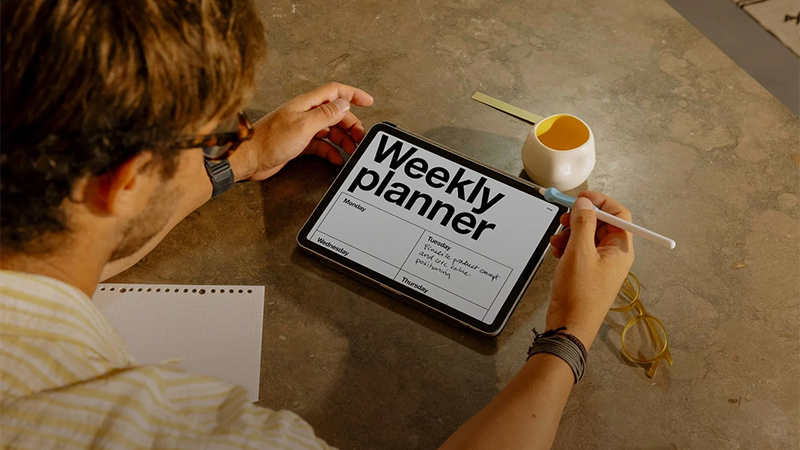
You can also use the iPad for digital bullet journaling, where calendars, notes, lists, and planning can all be kept in one place.
7. Study with mind maps
Apple Pencil is also a great fit when you are trying to understand something rather than just write it down. Mind maps, diagrams, and your own illustrations can help connect information in a more visual way.
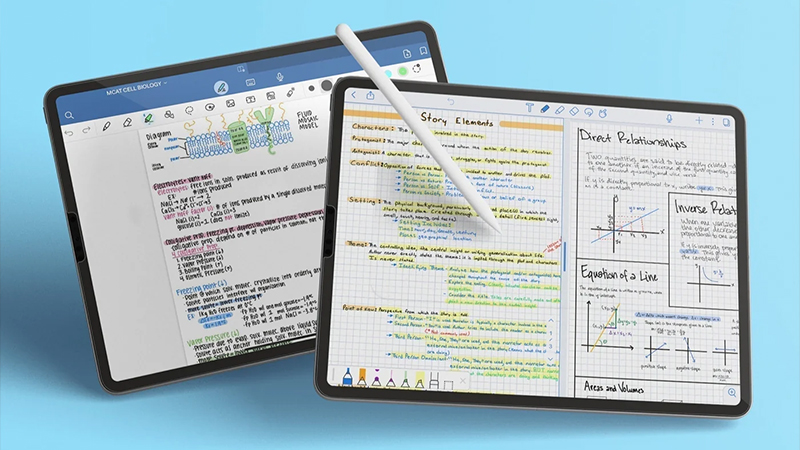
For example, you can combine handwritten notes with arrows, colours, small illustrations, and diagrams to make a complex subject easier to take in at a glance.
8. Edit photos more precisely
When editing photos, a finger is rather blunt. Apple Pencil makes it easier to work with masks, local adjustments, retouching, and other small details in apps that support the pencil.
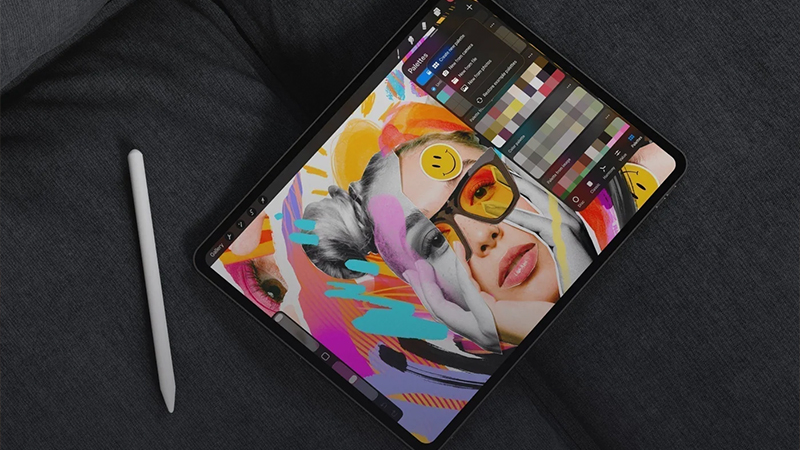
It is especially useful when you need to work on a small area in an image where precision really matters.
9. Mark up screenshots
If you often take screenshots for work or study, Apple Pencil is very handy for quick markups. Circle a button, draw an arrow, or write a comment before sending the image on.
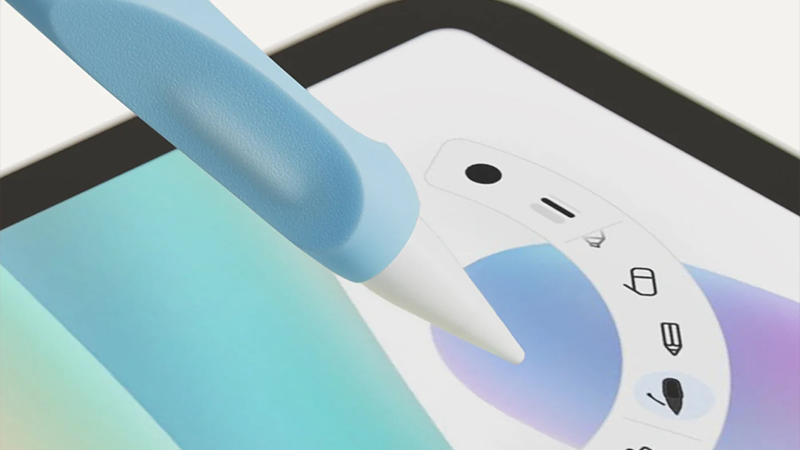
It is much faster than trying to explain “that little button on the left under the menu”.
10. Solve crosswords, sudoku, and other puzzles
It does not always have to be about work, creativity, or study. With Apple Pencil, the iPad is also very enjoyable for crosswords, sudoku, and other puzzles where you would normally use paper and pen.

You can write directly on the screen, erase mistakes as you go, and avoid the pile of half-finished crosswords on the kitchen table. It is also a good example of a use case where the pencil can come in handy even when you are really only using your iPad to relax.
When the iPad really starts replacing paper
When Apple Pencil starts being used for everything from notes and documents to planning, sketches, and crosswords, the iPad can gradually replace several separate tools. Notebooks, calendars, sketchpads, and document folders can suddenly all live on the same device.
That is when the feel against the screen starts to matter more too. Paperlike 3 is designed to create more friction between Apple Pencil and the screen and give a more paper-like feel. For anyone who writes or draws a lot, that can make the iPad much nicer to work on.
FAQ
What can Apple Pencil be used for besides drawing?
Among other things, handwritten notes, PDF comments, document signatures, planning, mind maps, photo editing, screenshots, and marking up documents. It also works well for more relaxed uses like crosswords, sudoku, and other digital problem-solving.
Can the iPad replace a regular notebook?
For many people, yes. The advantage is that handwritten notes can be organised digitally, backed up, and in several apps also searched and combined with images and documents.
Which app is best for handwritten notes?
It depends on what you need. Apple Notes is simple and already installed, while apps like Goodnotes and Notability offer more features for advanced organisation and digital notebooks.
Do you need Paperlike to use Apple Pencil?
No. Apple Pencil works directly on the iPad screen. Paperlike instead changes the feel by adding more friction, which can provide better control and a more paper-like feel for anyone who writes or draws a lot.
Can Apple Pencil be used for studying?
Yes. You can take notes during lectures, mark up course materials, create mind maps, write in PDF files, and gather material from several courses on the same device. That makes the iPad a flexible alternative to both notebooks and printed documents